
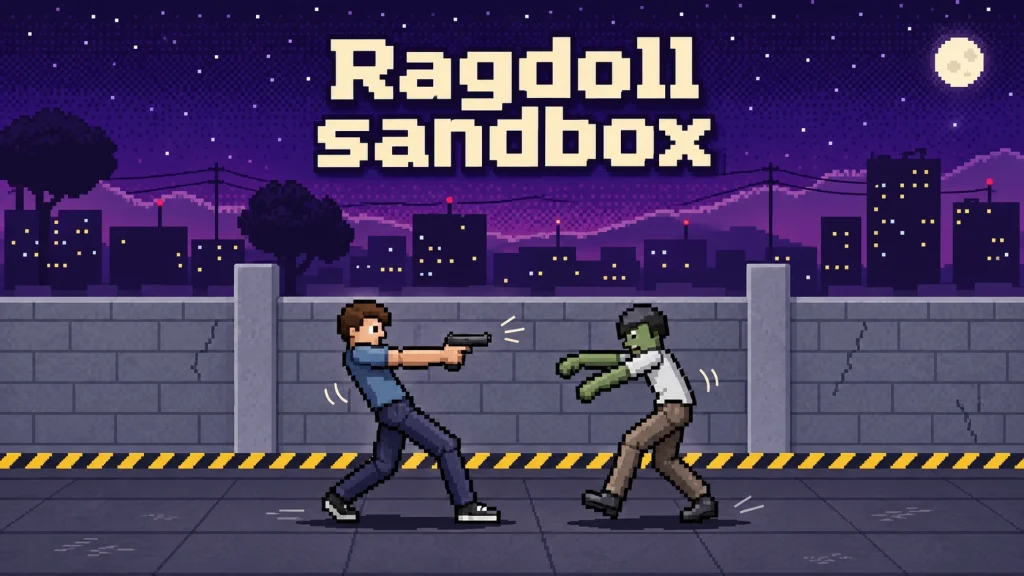











Ragdoll sandbox is a pixel-art physics sandbox by TheMilitarySimularper. Add people, move their bodies, test weapons, and build small setups to see how they react. The browser build shown here is v1.5.0. Its sandbox lets you choose your own experiments, while Horde gives you a survival goal: fight incoming zombies, finish waves, and gain more weapon choices.
The game contains graphic blood, dismemberment, and injury effects.
How to start a sandbox experiment
Choose PLAY, then open PERSON and select DUMMY to add a person. Close the selection panel before working on the scene. Choose a tool category, select the tool itself, and then use it on the character or environment.
For a simple first experiment, select GRAB under TOOLS and drag a person. Their limbs and body respond to the movement, so pulling and releasing them can send them tumbling through the scene. Switch to the pistol for a different kind of reaction: a hit can produce an injury that keeps affecting the character after the shot.
Watch the vitals panel as well as the animation. During a pistol experiment, a kidney injury caused blood volume to keep falling. Applying a bandage to a spot without an open wound returned “NO OPEN WOUND THERE,” so clicking a medical tool anywhere on the body is not a guaranteed repair. RESPAWN restored the test character to full blood volume and normal vital signs for another attempt.
Build a setup and choose its setting
BUILD opens a material palette with options such as brick, wood, glass, and steel. Select a material and place it in the scene, then leave build mode to continue the experiment. Even a small placed obstacle changes the space your ragdoll moves through.
Changing maps also changes the conditions. The rooftop provides a clear fighting area; the subway includes a live rail that can electrocute your character. Switching maps clears the stage, so choose the setting before arranging a scene you want to keep working on.
Survive zombie waves in Horde
Open MINIGAMES and start HORDE to control the dummy against zombies arriving from both sides. The opening weapon choices are fists and a pistol. Aim by clicking in the scene, and use the movement controls to reposition rather than letting enemies gather around you.
A fallen zombie is not necessarily a counted kill. In the rooftop run, some enemies remained on the ground while the “left” counter stayed above zero; aiming at those remaining targets advanced the kill count. Watch that counter before assuming a wave is finished.
Clearing the first wave unlocked a bat and a short breather. The second wave increased the enemy count from five to seven. Close contact also caused bites and continuing blood loss, so surviving the initial collision does not mean you are safe afterward. When the run ends, OVERRUN shows completed waves and kills, and PLAY AGAIN starts another attempt.
Controls and other challenges
In character-control mode, use A/D to move, W to jump, and J or a scene click to attack. Select an available Horde weapon from the weapon buttons. Sandbox tools use their own click or drag actions, so check which tool is selected before touching the scene.
The minigame menu also offers challenges with separate rules. Quick Draw replaces free movement with a timed duel: wait for the signal and use DRAW or Space to fire. Taking two hits ends the match, with an option to try again.
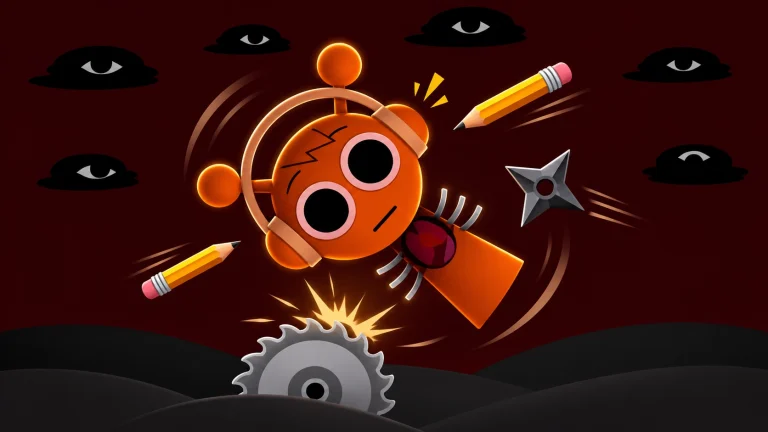
For another ragdoll game with a different structure, Kick the Buddy But Sprunki Is Wild focuses on earning coins from attacks and buying weapons. Here, building your own experiment or switching into Horde changes what you are trying to achieve.