





Survive a chaotic, rhythm-infused gauntlet of giant boss encounters where a single mistimed click spells instant doom.
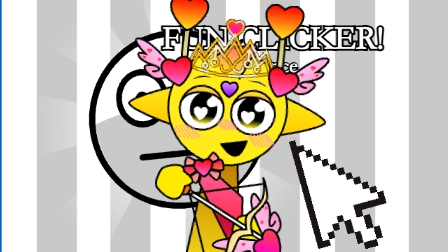
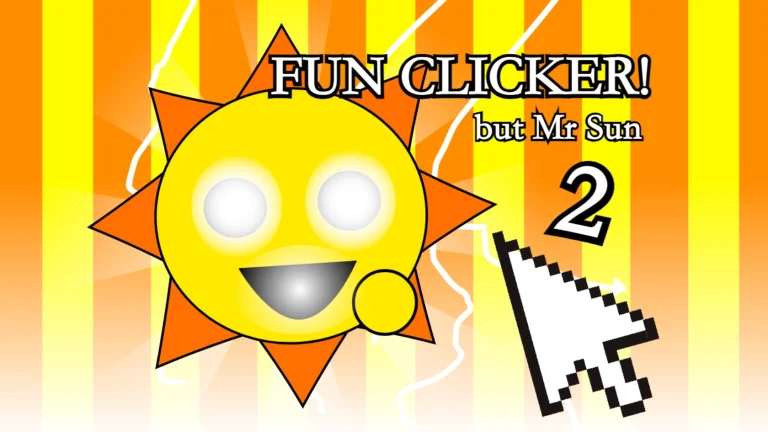
Fun Clicker Typical Extension Pack: Part 2 elevates the simple tapping mechanics of the original game into a high-stakes series of defensive boss battles. Designed as a direct, high-difficulty sequel, players must adapt to rapid-fire stage hazards and projectile patterns that require precise positioning and perfect timing to survive.
Unlike its predecessor, this entry pivots hard into tactical survival, testing your reflexes against a weird and wonderful roster of adversaries. The action escalates quickly as you dodge incoming threats and wait for your critical opening to strike back.
The soundscape drives the pressure, with a high-energy soundtrack sourced from popular Geometry Dash custom levels like Bloodbath, Thinking Space 2, and Nullscapes, alongside iconic themes from Deltarune.
FUN CLICKER GAMEPLAY
Early Game Plan
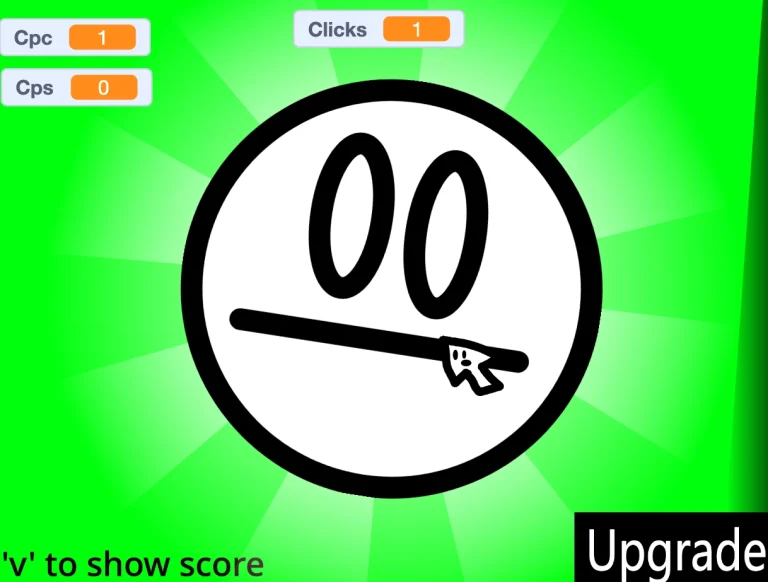
Begin by learning the basic movement layout and sizing up your first opponent. Your immediate goal is to stay mobile using WASD or your arrow keys, keeping your eyes glued to the center of the screen for the active indicator. Avoid focusing entirely on the boss; instead, train your eyes on the action prompt. When the central indicator flashes green, quickly press Space or E to execute your action, chipping away at the boss's defense before they can overwhelm your screen space.
Mid/Late Game Plan
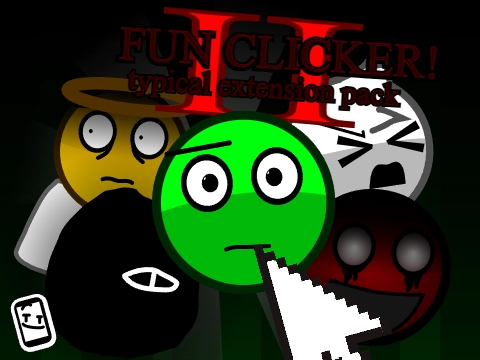
As the battle progresses, you will face distinct combat strategies from enemies like Levi, Flobby, Silence, and Cole. When Silence, the white guy, prepares his massive laser attack, you must pre-position yourself to dodge the line of fire. Conversely, when facing Levi (the normal guy), you have to manage defensive shield deployments and anticipate sudden wormholes that warp your position, forcing you to execute quick recovery moves to stay alive on the field.
Game Controls
- Move Character: Use WASD or Arrow Keys to navigate the play area.
- Action Trigger: Press Spacebar or E when the on-screen indicator turns green.
- Mobile Controls: Tap the designated touch buttons at the bottom of the screen (though keyboard play is highly recommended for faster reaction times).
Common Mistakes New Players Make
- Spamming the action key: Pressing Space or E too early before the indicator flashes green results in missed opportunities and leaves you vulnerable. The Fix: Wait patiently for the green signal, focusing purely on movement until it appears.
- Panicking during Levi's wormholes: Drifting into wormholes without a plan throws off your spatial awareness. The Fix: Track Levi's movement patterns closely and prepare to counter with shield activation right as the wormholes deploy.
- Ignoring the inverted control complaints: Some players find the movement axes disorienting or "inverted" compared to traditional arena games. The Fix: Take the first few seconds of the match to calibrate your hands to the offset tracking before the heavy projectiles spawn.
Why This Game Is Different
- Boss-Centric Design: Shifts away from passive clicking mechanics in favor of active, reflex-based boss survival phases against bosses like the red-wheel Cole and the poorly drawn Flobby.
- Character-Specific Counter Mechanics: Requires matching unique defense tactics to specific boss moves, such as dodging Silence's laser or managing Levi's wormhole portals.
- Hardcore Audio Integration: Syncs intense obstacle patterns to high-tempo rhythm tracks including Bloodbath and Nullscapes, escalating the tension during critical phases.
Pro Tips & Strategies
Keep your movements tight and centralized; drifting too close to the edges of the screen reduces your recovery time when Cole or Flobby launch sudden sweeping attacks. If you are struggling with the timing on mobile, switch to PC play where the physical keyboard provides the precise, low-latency inputs needed to clear the later, faster boss stages.